Send your client a link. They click exactly what they mean. You fix it and move on — no accounts, no screenshots, no “which header do you mean?”
No credit card. We'll reach out within 48 hours with personal access and a 15-minute onboarding walkthrough.
We won't share your email or add you to a mailing list.
Four steps
to shipped.
How it works
Upload
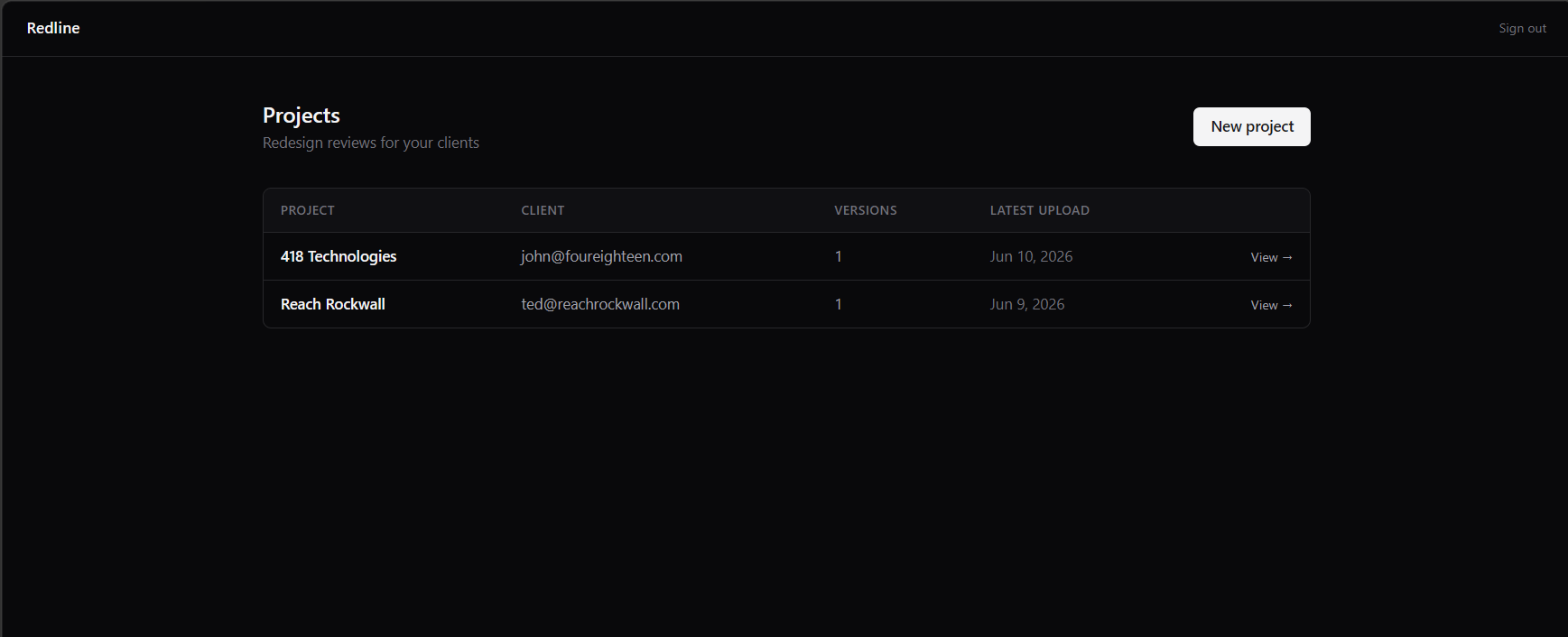
Zip your static HTML and drop it into the admin panel. No build step.
Share
Send the preview link to your client. Zero account setup on their end.
Annotate
Clients click any element to leave a note pinned to that exact spot. No more “the button — not that button, the other one.”
Resolve
Review every annotation in the admin feed, reply, and mark it resolved. Every round of feedback has a formal close.
Feedback that lives on the design.
No more "the header — not the nav header, the one in the second section" buried in a reply-all thread. Clients click exactly what they mean.
- → Pinned directly to the element — not to an email
- → Threaded replies on every annotation
- → Full annotation history preserved across versions

Two ways to handle
client feedback.
Why teams switch
Common questions.
FAQWill my clients actually use this?
No account, no app, no setup — just a link. If they can open a browser, they can annotate. There's nothing for them to learn.
I only have 1–2 clients right now. Is it worth it?
The Freelancer plan covers 3 active projects at $19/mo. One saved revision round pays for months of Redline.
What does “early access” mean?
We're onboarding designers now. Sign up and you'll hear from us within 48 hours with personal access — not a mailing list, actual access to the product.
What file types does it support?
Redline works with static HTML exports — zip your redesign and upload it. It doesn't require the site to be live or deployed anywhere.
Ready to cut
the chains?
No annotated PDFs. No reply-all threads. Send your client a link and get feedback that means something.
No credit card. Personal access within 48 hours.
We won't share your email or add you to a mailing list.